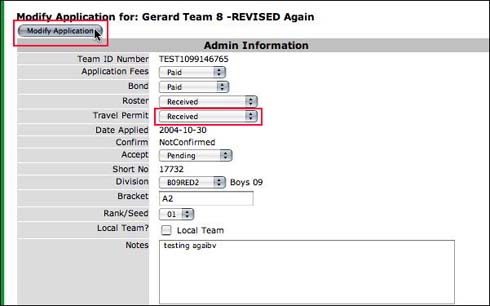
1. In the Team Applications Module, select filter criteria, if known (Ex: Boys 10).
2. Click on the Go! button.
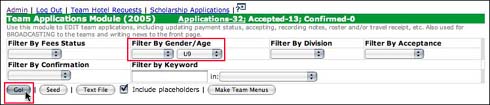
3. Click on the team name in the Team column to view the application.
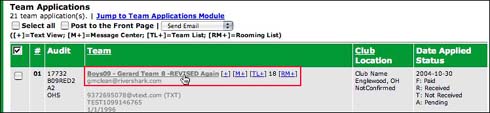
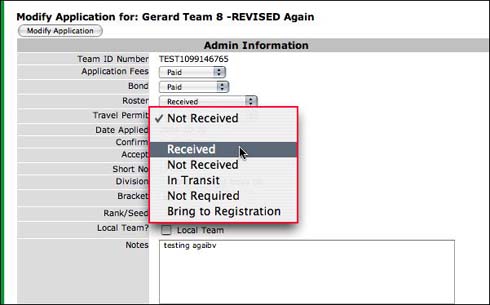
4. Make all modifications to the application.
5. Click the Modify Application button.